Profiles and permissions
Each team member has a Service Management profile, configured in Admin → ITSM Team. The profile defines what they see and what they can do, and changes take effect immediately, without a new login.
The profiles
| Profile | Sees what | Can |
|---|---|---|
| Requester | Only tickets they opened | Open tickets and comment |
| Technician (restricted) | Only tickets assigned to them | Handle, resolve and route to another queue |
| Technician (restricted, no reassign) | Only tickets assigned to them | Handle and resolve, without reassigning |
| Technician | Their teams' tickets | Handle, resolve and reassign |
| Coordinator | Their teams' tickets | Everything a technician can, plus team management and reports |
| Manager (read-only) | All tenant tickets | Read-only plus reports |
| Admin | All tenant tickets | Everything, including the Admin area |
| No access | Nothing | Nothing (module hidden) |
A user without an explicit profile inherits a safe default derived from their platform role (admins become Admin, regular users become Technician, viewers become read-only Manager), until the admin sets one.
What it changes in practice
- Visibility filters everything: list, search, reports and the AI assistant only answer with what the profile can see.
- Internal notes are visible only to handling and management profiles. A requester never sees them, not even through the assistant.
- Reports are available from coordinator up.
- The Admin area (catalog, SLA, queues, team, labels) is exclusive to the Admin profile.
Team and queues
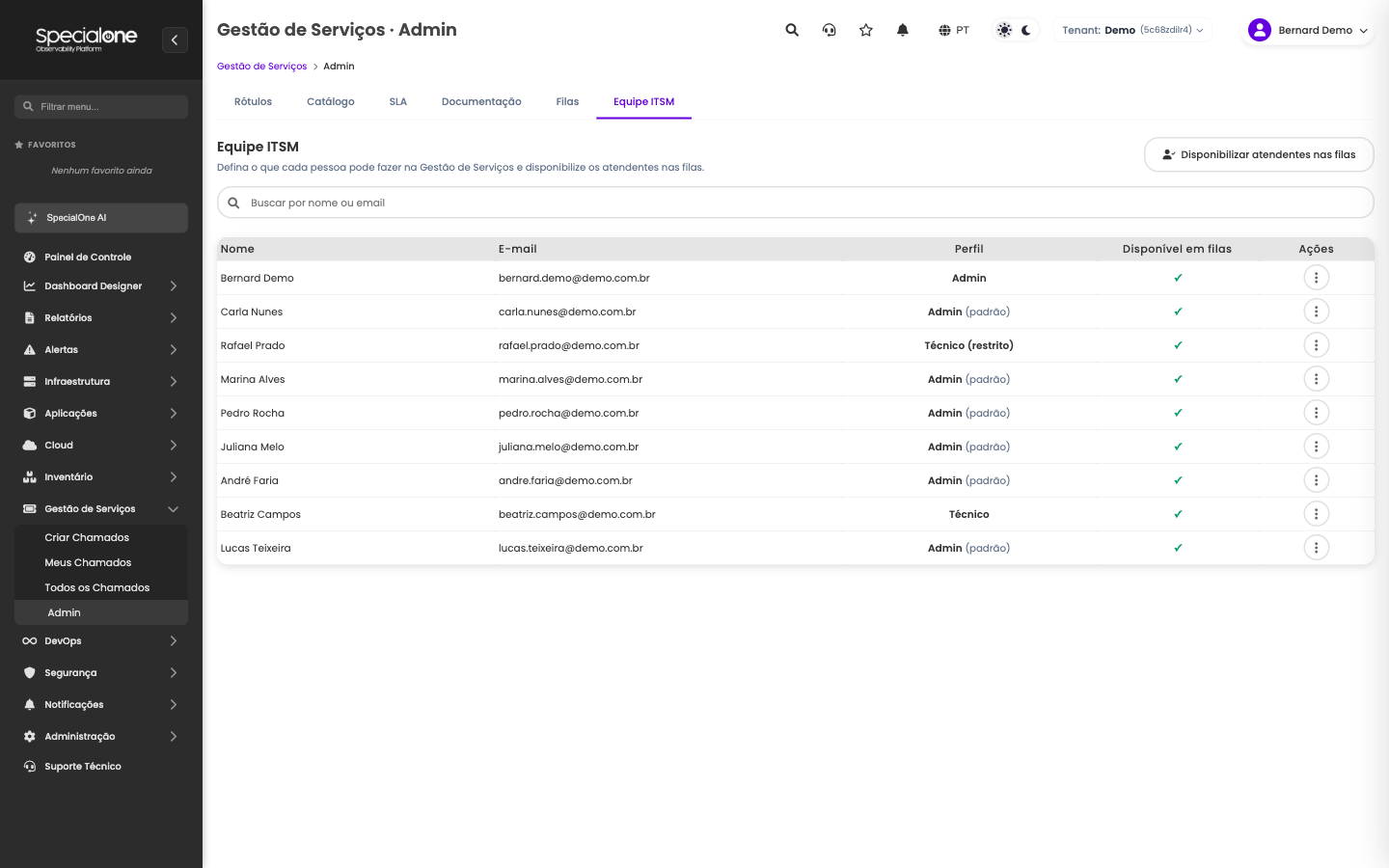
In the ITSM Team tab, each row shows the person's profile and whether they are available in the queues. The Make agents available in queues button puts the team in the distribution.